Save jobs in one click
Open a posting, click the job search chrome extension, and the company, role, location, and link land in your workspace as a draft. No copy, no paste, no retyping.

The MyApplio job tracker chrome extension turns any posting on LinkedIn, Indeed, or a company careers page into a tracked application. Open a job, click the extension, and the company, role, location, and link are saved to your workspace.
Company & role
The clipper reads the posting and saves the company and job title straight onto a new application.
Location
Remote, hybrid, or on-site, the location is captured with the rest so you can sort and filter later.
Original link
The exact job URL is stored on the draft, so you can reopen the posting any time it is still live.
From the maker
MyApplio is built by one developer who is still job hunting too. The core stays free; Supporter helps keep the workspace running and improving.
Why capture from the browser
By the time you switch to a spreadsheet, the tab is buried and the details are gone. A job search chrome extension saves the posting where you found it.
Open a posting, click the job search chrome extension, and the company, role, location, and link land in your workspace as a draft. No copy, no paste, no retyping.
It works on any site with a posting, not just one job board. LinkedIn, Indeed, a company careers page, or a niche listing all capture the same way.
When a page imports menu text or a login prompt, AI tidies the job description and re-extracts the company, role, and location so the draft stays clean.
What the extension does
The job application chrome extension reads the page, fills the fields, and hands the draft off to the full tracker so nothing stops at a saved link.
The MyApplio Clipper turns any LinkedIn, Indeed, or careers-page posting into a tracked application with the fields already filled in.
No board lock-in. If a page shows a job posting, the save jobs chrome extension can clip it into your tracker.
The saved draft becomes a full application, with status, deadlines, resume, cover letter, interviews, and contacts attached to it.
Messy imported descriptions get cleaned of menu text and login prompts, then the company, role, and location are re-extracted for you.
Attach the exact resume and cover letter you sent to each clipped role, or generate a tailored copy without losing the original.
Add recruiters, hiring managers, and interview dates next to the application so every conversation keeps its context.
How it works
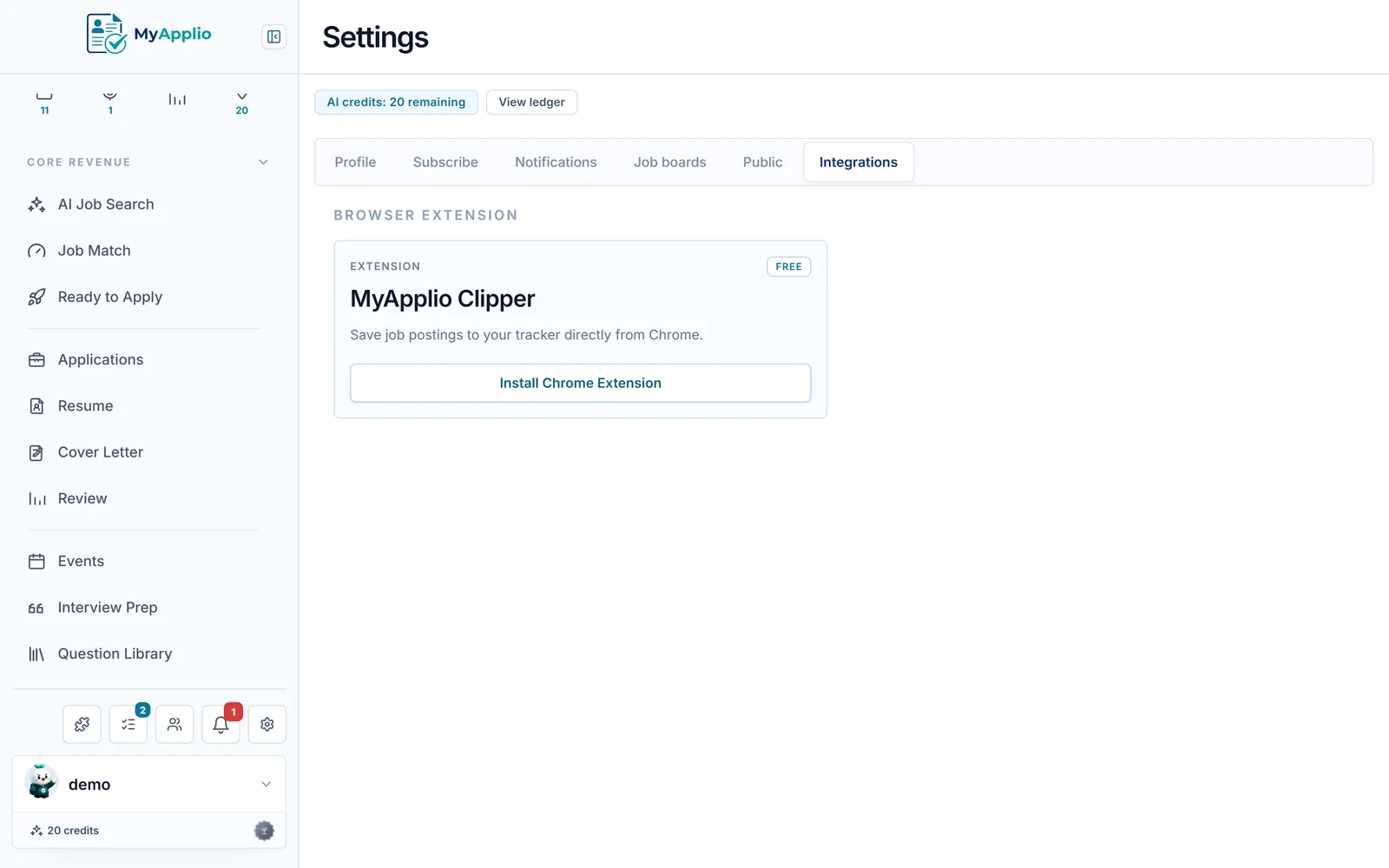
Add the MyApplio Clipper from the Chrome Web Store, then sign in with Google. Free to start, no credit card.
Open a job on LinkedIn, Indeed, or a company careers page, click the extension, and the company, role, location, and link are read off the page.
The posting is saved as a draft application in your workspace, ready for a status, a deadline, a resume, and follow-ups.
Copy-paste vs one-click capture
Common questions
A job tracker chrome extension lets you save a job posting straight from your browser into a tracker, instead of copying details by hand. With the MyApplio Clipper you open any posting, click the extension, and the company, role, location, and job link are saved as a draft application in your workspace, ready to track from there.
Any site with a job posting. There is no board lock-in, so the job application chrome extension works on LinkedIn, Indeed, and company careers pages, as well as niche listings and smaller boards. If a page shows a role you want, you can clip it into your tracker in one click.
The company, role, location, and the original job link are read off the posting and saved as a draft application. That draft then becomes a full application in MyApplio, where you add a status, deadlines, the resume and cover letter you sent, interviews, and contacts.
Some pages pull in menu text or login prompts along with the description. AI can clean up the imported text and re-extract the company, role, and location, so the draft stays accurate even when the page was noisy.
Yes. Install the extension, sign in with Google, and you are on the Free plan immediately, with no credit card. You can save jobs from the browser, track applications, and attach documents for free. Upgrade only if you want unlimited AI actions like description clean-up at scale and resume rewrites.
Your applications, resumes, and notes are protected by row-level access controls, so only you can see them. Public resume sharing is opt-in per resume, and search indexing is off by default.
Get started
Free to start. Install the save jobs chrome extension, sign in with Google, and save the next posting you open straight into your tracker.