
How to Save Job Descriptions Before They Disappear
Job posts get taken down, and you need the description later for tailoring and interviews. Here is how to capture and keep every posting.
You found a great role, read the description twice, and applied. Three weeks later a recruiter emails you to schedule a call, and you open the link to refresh your memory. The page is gone. The posting has been taken down, and now you cannot remember the exact responsibilities, the tech stack they listed, or whether they ever mentioned salary. This happens constantly, and it costs you at the worst possible moment. The fix is simple: save job descriptions the moment you apply, before they have any chance to disappear.
Why you need the saved description later
The job posting is not just a thing you read once and forget. It is the single best source of truth about what the employer actually wants, and you will reach for it again and again across the application.
- Tailoring your resume. The exact phrasing in a job posting tells you which keywords to mirror and which accomplishments to lead with. You cannot tailor to a description you no longer have.
- Prepping for interviews. When the call gets scheduled, the description is your study guide. It tells you which skills to brush up on and what questions to expect.
- Remembering what you applied to. After a dozen applications, the roles blur together. A saved description lets you instantly recall which company, which team, and which exact position this was.
Why job postings vanish
It is easy to assume a link you saved will still work later. It usually will not. Job postings are some of the most short-lived pages on the internet, and they disappear for ordinary reasons.
- Roles close. Once a company fills the position or hits an application cap, the posting comes down, often within days.
- Links rot. Companies migrate to a new applicant tracking system, restructure their careers site, or expire old listing URLs, and every link you saved breaks at once.
- Aggregators expire listings. Job boards routinely rotate postings out after a few weeks, even when the role is still open on the company site.
The point is not to be paranoid. It is to recognize that a link alone is not a backup. You need the actual content saved somewhere you control.
Manual ways to save a job posting
There are a few low-tech ways to capture a job posting, and they all work in a pinch. They also all have real downsides once you are applying to more than a handful of roles.
- Copy the text into a document. Select the description, paste it into a doc or note, and add the company and link at the top. It works, but it is slow, the formatting usually breaks, and it is easy to forget the metadata that matters most.
- Print to PDF. Most browsers can save a page as a PDF, which preserves the layout. The downside is that you end up with a folder of files named things like document(7).pdf, none of which are searchable or linked to the rest of your search.
- Take screenshots. Fast to capture, but screenshots are images. You cannot copy a phrase out of them when you tailor your resume, and long descriptions take several shots to cover.
Each of these leaves the description sitting in a pile that is separate from where you actually track your applications. When it is time to prep, you have to go hunting through files instead of opening one record.
A faster way: capture the posting in one click
The manual methods all share the same flaw. They save the text but lose the context, and they live outside your tracking system. A better approach is to capture the whole posting in one step and attach it directly to the application record.
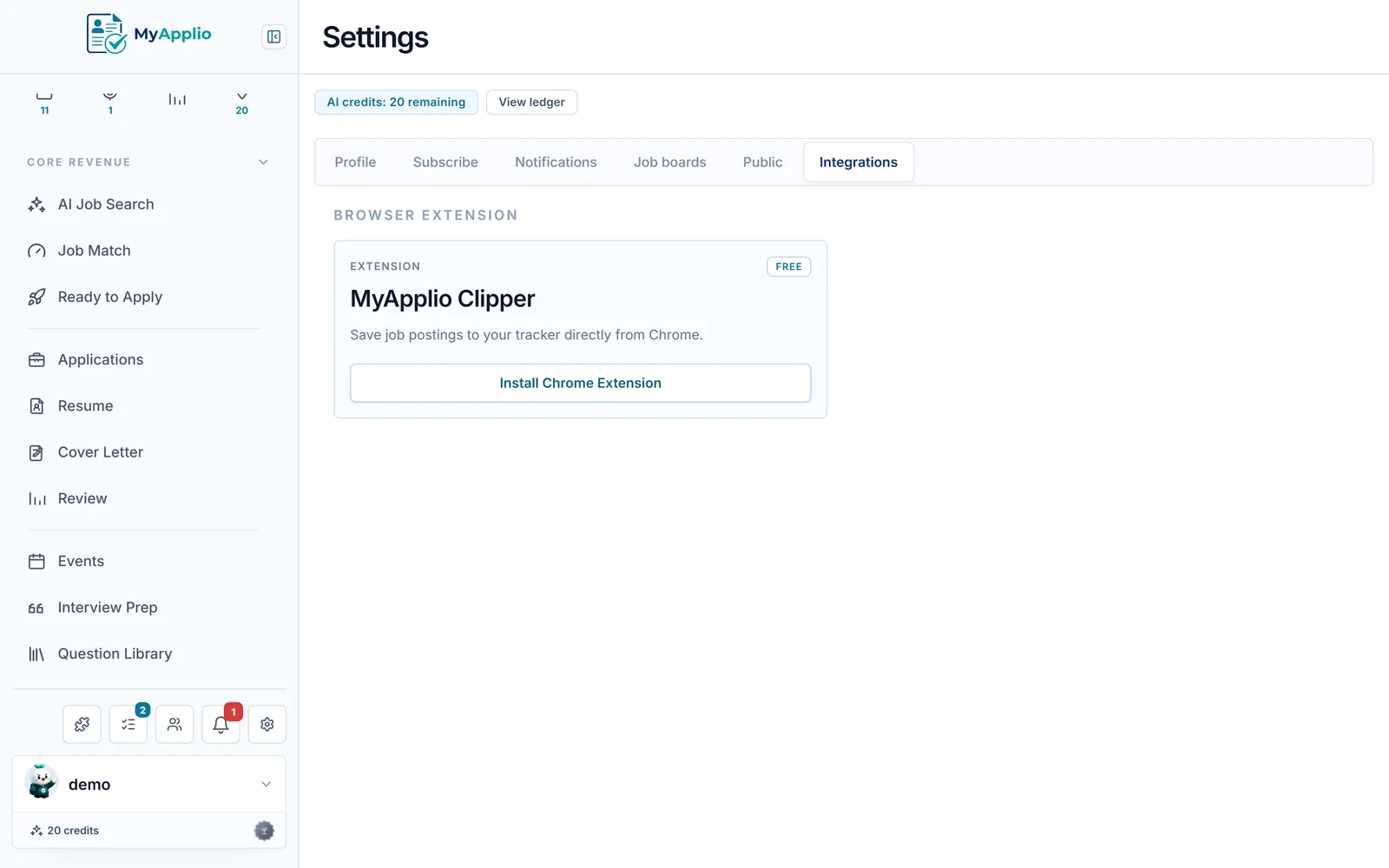
That is exactly what a Chrome extension that saves postings in one click does. While you are on the job page, one click pulls in the full description and automatically keeps the company, the role title, and the original link. There is no copying, no naming files, and no separate folder to maintain. The posting lands in your job application tracker as a real record you can search, filter, and reopen any time, even after the original page is long gone.
Exactly what to keep
However you save a posting, capture more than the headline. When you are prepping for an interview weeks later, the details you skipped are usually the ones you need. Make sure each saved record includes:
- The full description. The complete text, not a summary, so the original wording is preserved for tailoring.
- The requirements. Both the must-haves and the nice-to-haves, since these drive your resume bullets and your prep.
- The salary range, if listed, so you have a record for later negotiation and so you can compare offers honestly.
- The original link, even though it may break, because it identifies the exact posting and sometimes still resolves.
- The date you saw it, which tells you how stale the role is and roughly when you applied.
How to use saved descriptions later
Saving the posting is only valuable if you actually pull it back out. The two moments where a saved job description earns its keep are tailoring and interviewing.
When you tailor your resume
Open the saved description and read the requirements line by line. For each one, ask whether your resume shows clear evidence of it, and mirror the language the employer used where it is honest to do so. Because you kept the full text, you can copy exact phrases instead of guessing what the role was about from memory.
When you prep for the interview
Before the call, reread the description and turn each responsibility into a likely question. If the posting emphasizes a particular tool or process, expect to discuss it, and prepare a concrete story from your experience. Having the requirements and salary in front of you also keeps you grounded when the conversation turns to expectations.
Make saving automatic
The reason most people lose job descriptions is not that they do not care. It is that saving them by hand is just enough friction to skip when you are moving fast. The way to win is to remove the friction entirely so the description is captured the instant you apply, with the company, role, link, and date attached without any extra effort. Do that once, and you will never again open a dead link and wonder what you applied to. The description will be waiting for you, ready for the next time you tailor a resume or sit down to prep.
Put this into practice for free.
Capture jobs in one click, tailor your documents, and track every application in one workspace.